Guest Guide
Appliance Instructions
Visual step-by-step guides for the appliances in the residence. Each section can be opened via a direct link or QR code.
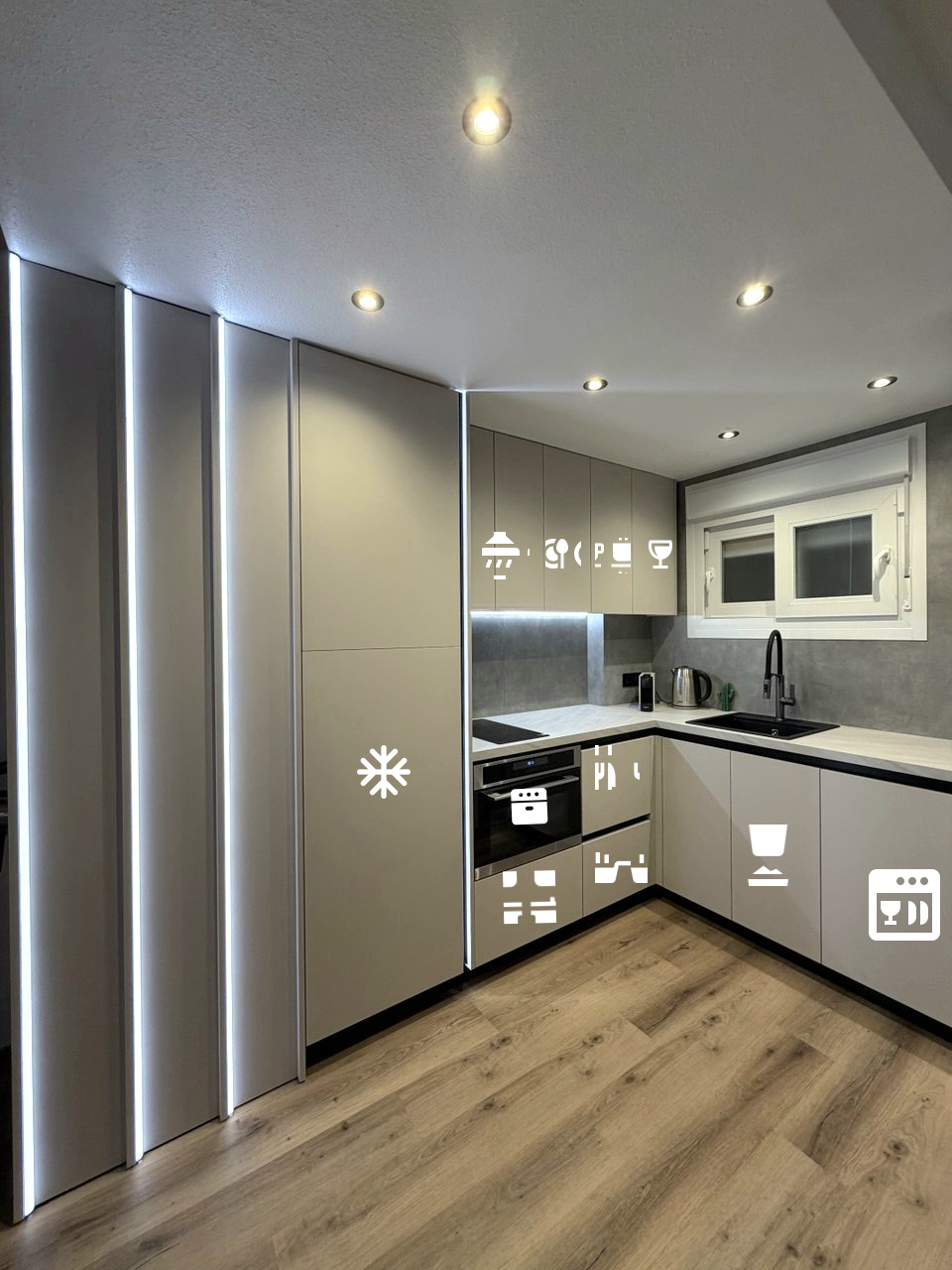 Where everything is in the kitchen
Kitchen Layout
- 1Our kitchen has everything you need for a comfortable stay all essential appliances are included.
- 2The fridge and dishwasher are seamlessly integrated into the kitchen fronts.
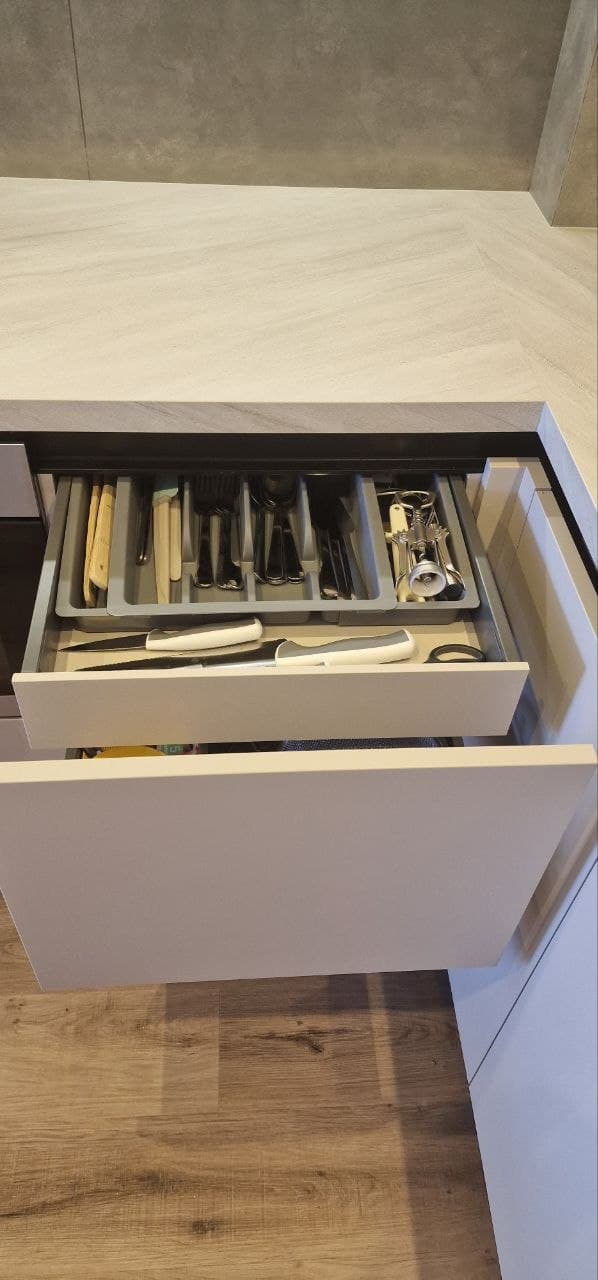
- 3Cutlery and tableware are in the pull-out drawer.
Combi Microwave Oven
Infiniton 48YA3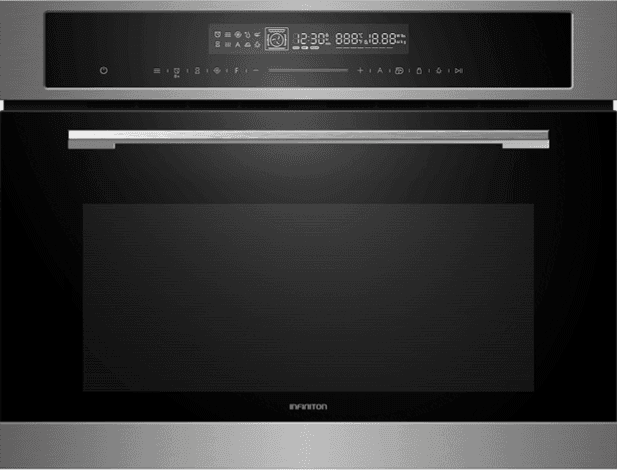


How to use
Everything is operated from the touch panel. Below are the two main modes.
Microwave mode
- 1To switch on microwave mode, tap the touch button .
- 2Set the time using the touch buttons .
- 3Tapping the button again lets you choose the power level use to set it.
- 4Press the button to start.
- 5To exit or reset, press the on/off button .
Oven mode
- 1To select an oven mode, tap the F touch button and choose the program you need by tapping again.
- 2Set the temperature using .
- 3Press the button to start.
- 4To exit or reset, press the on/off button .
Induction Hob
Samsung NZ32BG2005FK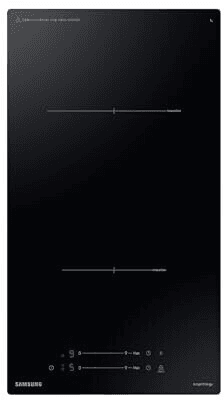
Samsung NZ32BG2005FK
Controls
- 1Place a magnetic-base pan on the desired zone the hob detects it automatically.
- 2Touch the power button (⏻) the display lights up.
- 3Touch the zone button to activate it.
- 4Slide your finger along the slider or tap «+»/«–» to set power (1–9).
- 5For rapid boiling touch «Boost» maximum power for 10 minutes.
- 6Timer: tap the timer icon, set the time the zone switches off automatically.
- 7To switch off a zone, touch its button again or set to «0».
- 8To power off completely, hold ⏻ for 3 seconds.
The red «H» symbol on the display means residual heat the surface is still hot even if the zone is off.
Safety
- Use only cookware with a magnetic base (cast iron, stainless steel labelled «IH»). Aluminium, copper and glass do not work.
- Child lock: hold the lock icon for 3 seconds all buttons are locked.
- If no cookware is detected for 1 minute the zone switches off automatically.
- Do not leave foil or metal objects on the surface they will heat up.
Dishwasher
Beko DIS35023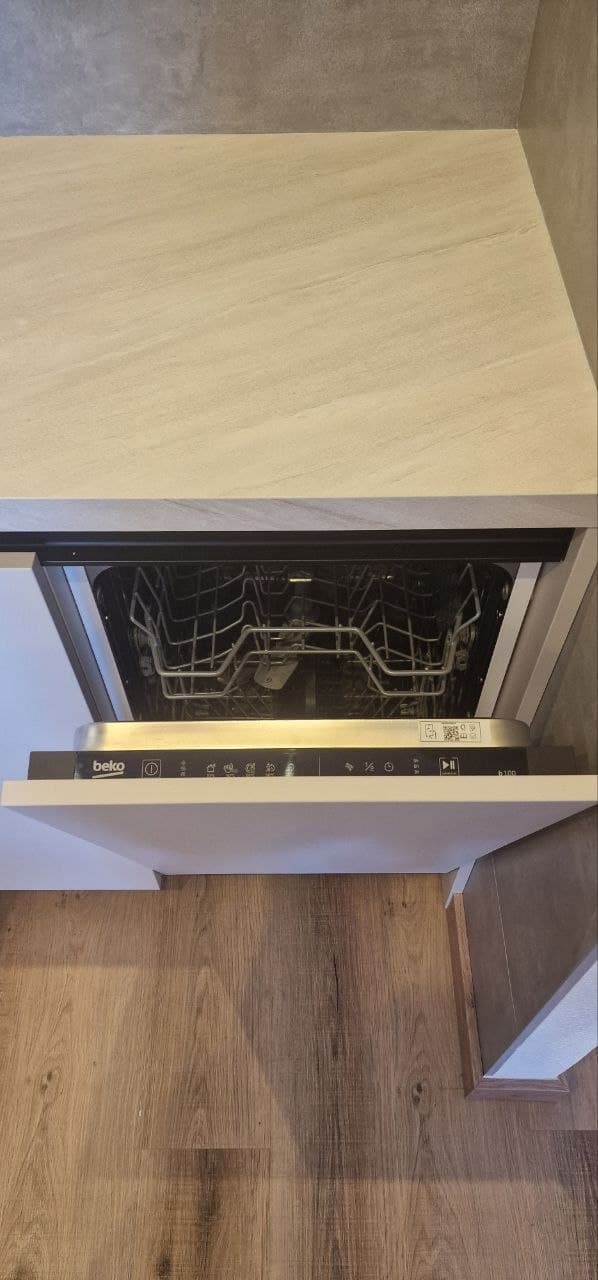
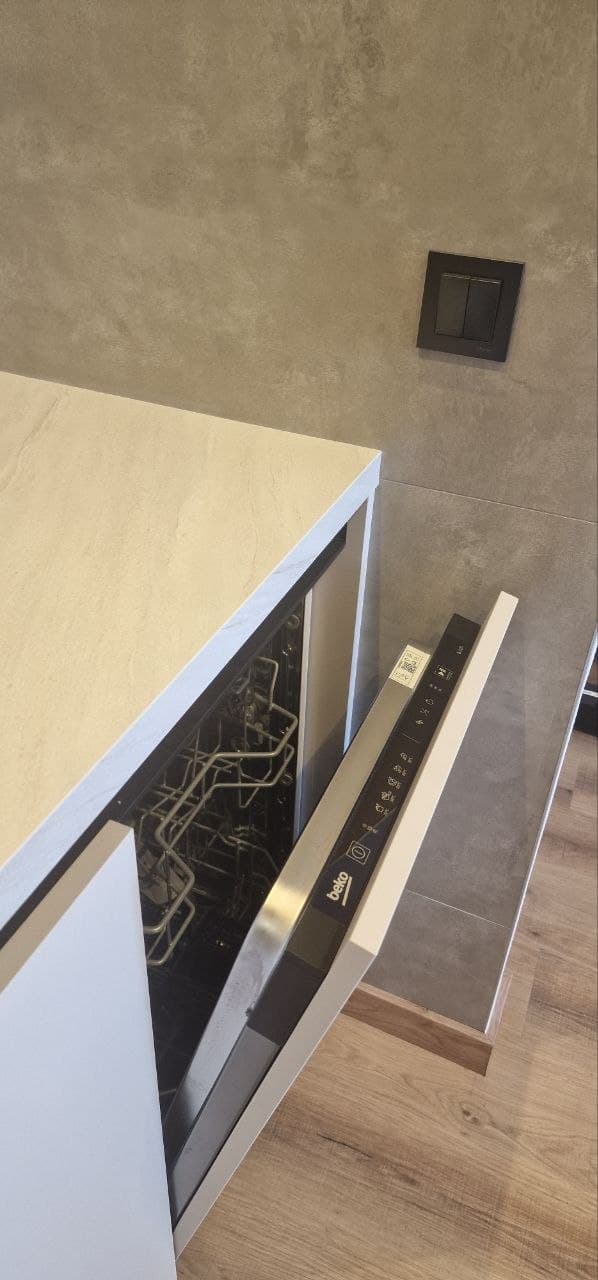
Wash programs
How to use
- 1Fully integrated kitchen appliances: refrigerator and dishwasher are discreetly hidden behind the cabinet fronts.
- 2Place a dishwasher tablet in the dispenser on the inside of the door.
- 3Check and top up salt (in the floor reservoir) and rinse aid (door dispenser) if needed.
- 4Close the door firmly until it clicks the LED display will light up.
- 5Press the power button. The current program is shown on the display.
- 6Press the program selector button to cycle through available programs.
- 7For a half-load, press the half-load button before starting.
- 8Press Start. A beep sounds when the cycle is complete.
- 9Wait 10–15 minutes after the cycle steam will settle and dishes will be drier.
ECO 50°C is the best choice for everyday use: the quietest program and lowest water consumption.
Safety
- Do not load crystal, wooden items, uncoated aluminium, copper or silver.
- Do not use regular washing-up liquid it creates excessive foam.
- Place knives and sharp items with blades pointing down.
- Do not open the door abruptly mid-cycle hot steam escapes.
Refrigerator
Beko BSSA210K4SN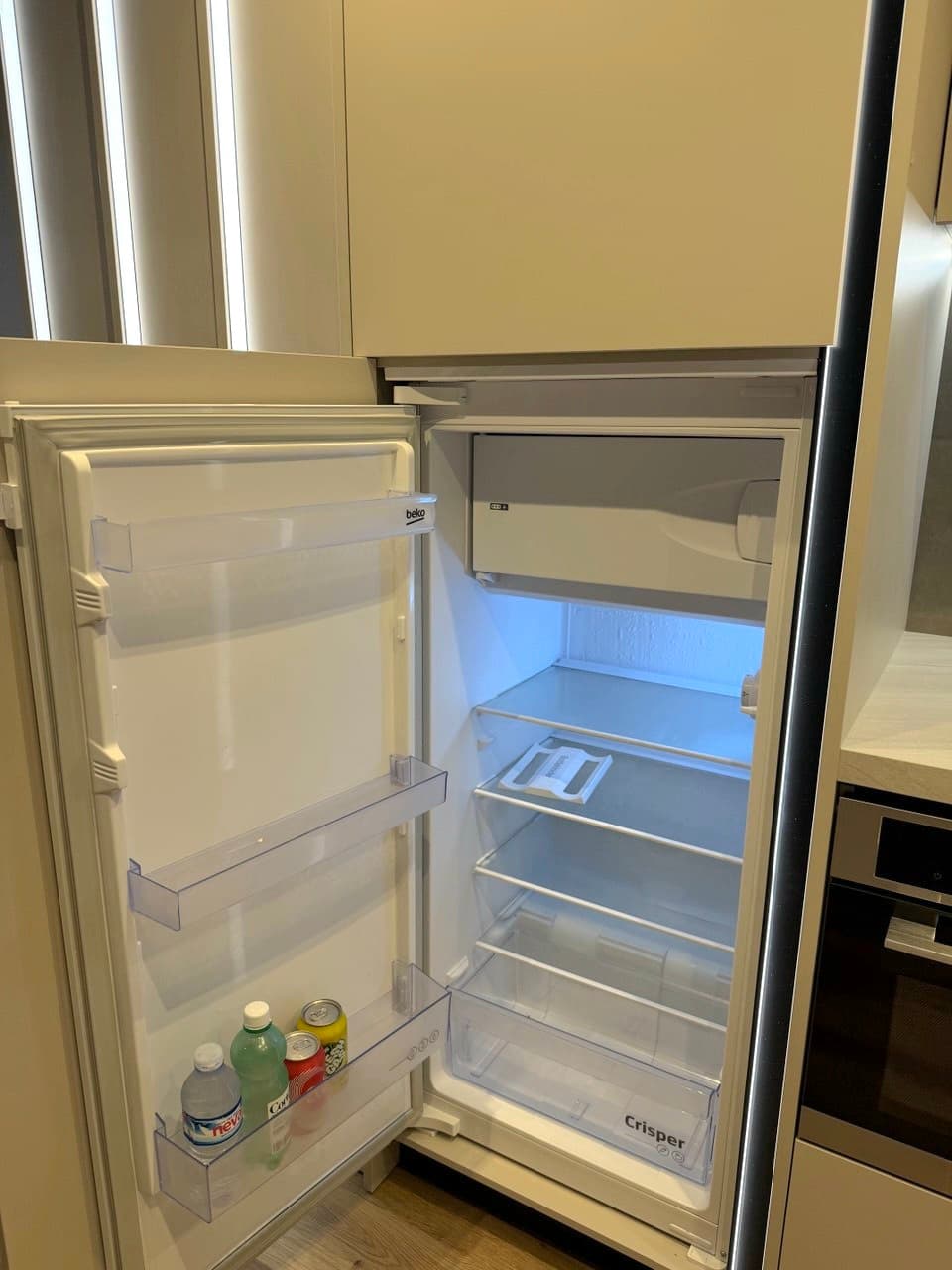
Safety
- Do not put carbonated drinks in the freezer they can burst.
- Do not block the ventilation openings on the rear wall with food items.
- Do not use sharp objects to scrape ice you may damage the evaporator.
Air Conditioning
Giatsu Aroma GIA-S12AR3-R32.jpg&w=3840&q=75)
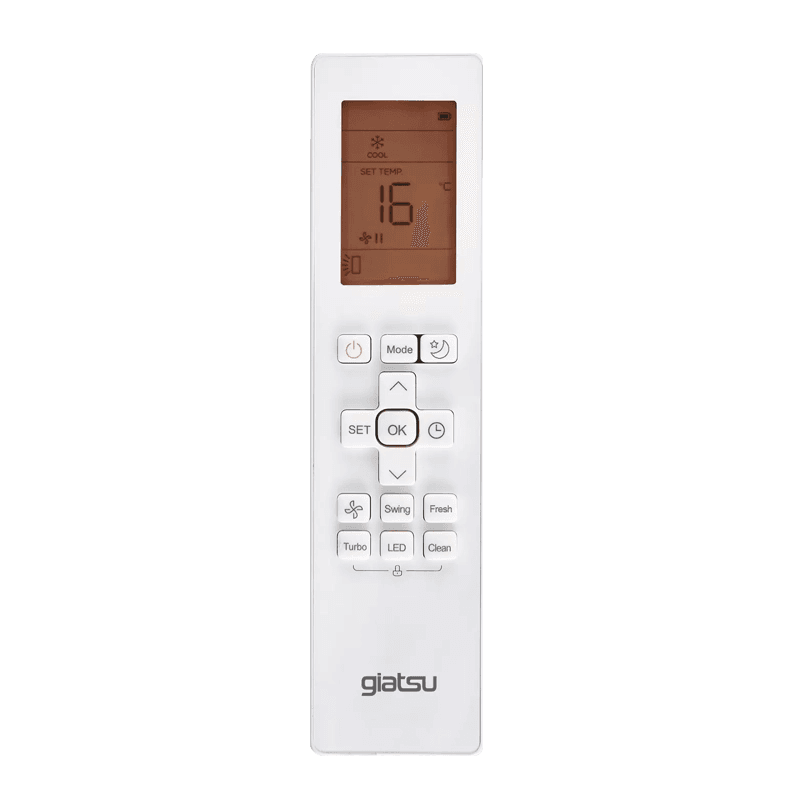
Operating modes
How to use
- 1Press ⏻ (circle with line) to turn the unit on or off.
- 2Press Mode to cycle through modes: Cool ❄ → Heat → Dry → Fan → Auto.
- 3Press ∧ / ∨ to set the target temperature, then press OK to confirm.
- 4Press the fan button 🌀 to adjust fan speed.
- 5Press 🌙 (moon) for Sleep mode reduces noise and gently adjusts temperature overnight.
- 6Press Turbo for maximum cooling or heating speed.
- 7Press Swing to toggle louvre oscillation.
- 8Press ⏱ to set the sleep timer using ∧ / ∨ and OK.
- 9Press ⏻ again to switch off.
Keep windows and doors closed. Point the louvres horizontally when cooling cold air sinks and distributes more evenly.
Safety
- Do not block the indoor unit grille with furniture or curtains it impairs heat exchange.
- Do not run with windows open efficiency drops drastically.
- Clean the filters every 2–4 weeks rinse under a tap and allow to dry completely.
- Do not direct the airflow straight at sleeping people, especially children.
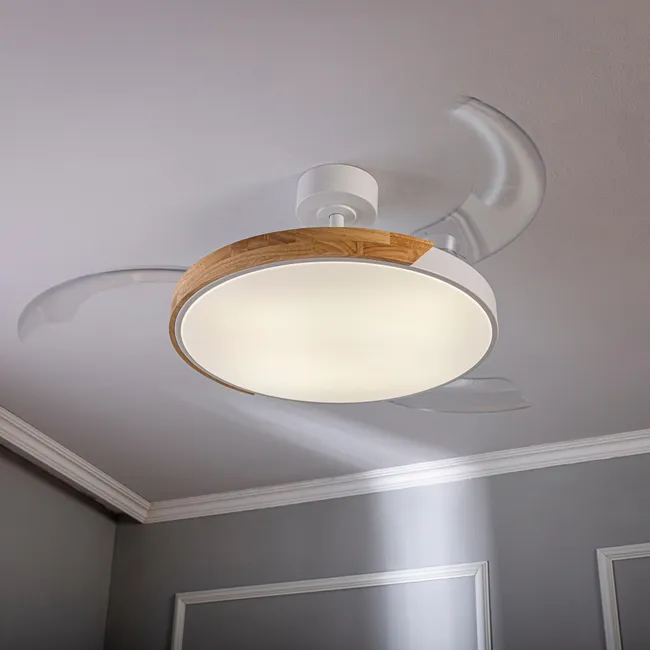
Ceiling Fan
Furtuna Inspire Ø107 cm.webp&w=3840&q=75)
How to use
- 1Pick up the remote. Press the fan button (propeller icon) to switch the fan on or off.
- 2Use the arrow ▲ / ▼ buttons to adjust fan speed.
- 3Press the breeze button (wind icon) to activate natural breeze mode gentle random speed variation.
- 4Press the light bulb button to switch the LED light on or off.
- 5To adjust light brightness, use the sun ▲ / ▼ buttons.
- 6warm whiteneutral whitecool white
- 7Set a sleep timer using the 1h, 2h, or 4h buttons the fan switches off automatically.
Breeze mode overnight creates the feel of a natural breeze comfortable sleep without the air conditioner up to 26 °C.
Safety
- Do not place any objects in front of the fan while it is running!
- Do not touch the blades while they are spinning.
- Make sure the fan is securely mounted to the ceiling before switching on.
- If you hear unusual sounds (rattling, squeaking), switch off immediately and check the fixings.
Washing Machine
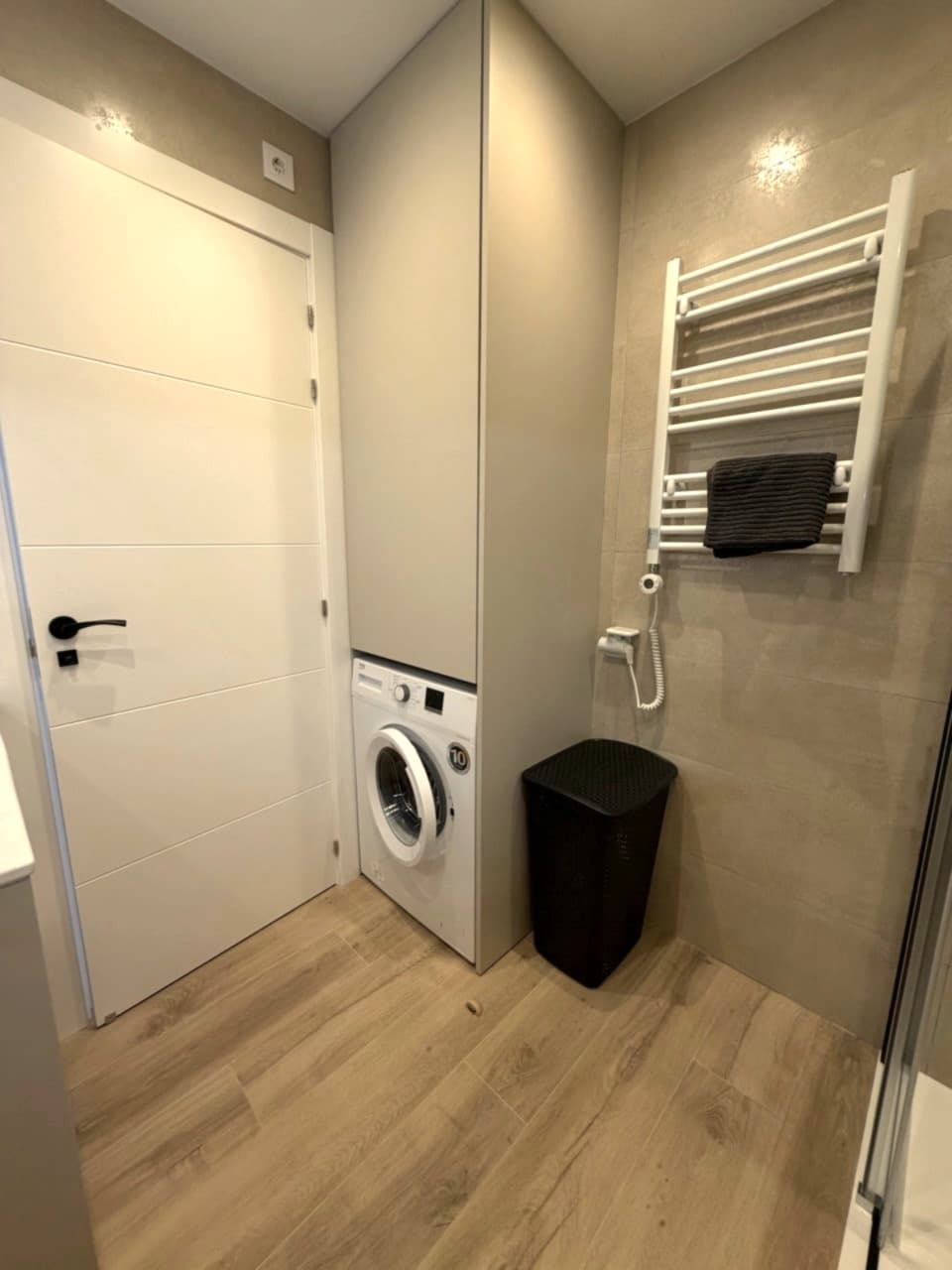
Recommended programs
Safety
- Do not open the door while the machine is running water inside may be very hot.
- Do not overload the drum clothes will not wash properly and the machine wears out faster.
- Use only Low Foam / HE detergent for front-loaders regular powder creates too much foam.
- For absences longer than one week, turn off the water supply tap to the machine.
Need help?
Our concierge is here during the day. Have any questions or wishes? Just get in touch with us or directly with the concierge.
booking@brisa-residence.com